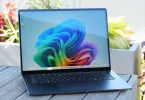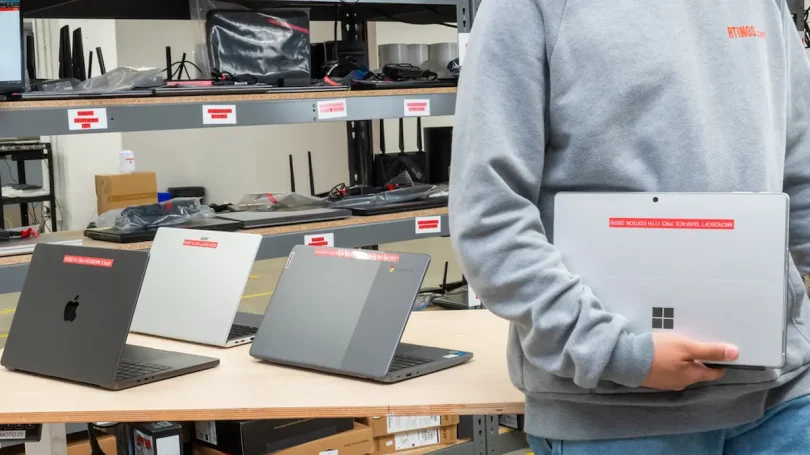

If you’re looking for lightweight laptops for work, chances are you want something that’s easy to carry, comfortable to use all day, and powerful enough to handle your daily tasks without stress. Maybe you’re working from home, commuting to an office, traveling for meetings, or freelancing from cafés. Whatever your routine is, a lightweight laptop can seriously improve your work experience.
In this detailed guide, I’ll explain everything in simple words—no tech confusion, no complicated terms—just honest advice to help you choose the right laptop for work.
What Are Lightweight Laptops for Work?
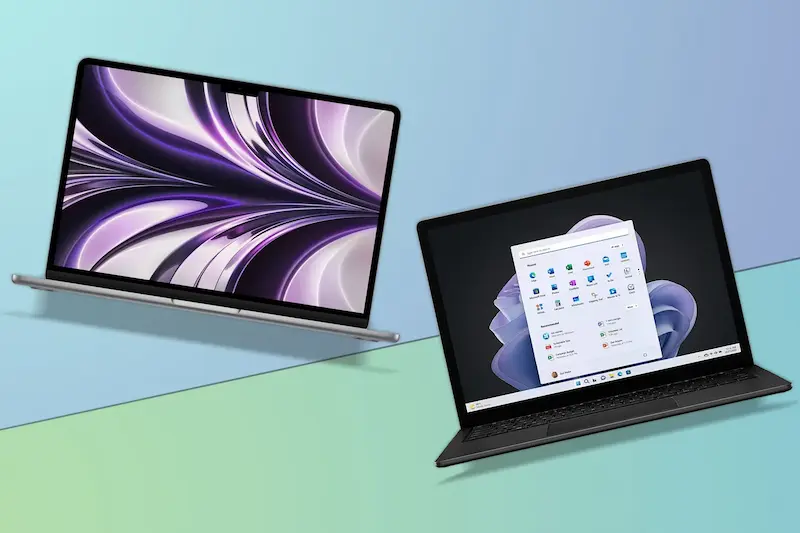
Lightweight laptops for work are slim, portable laptops designed to be easy to carry while still offering reliable performance for professional tasks. These laptops usually weigh between 1 kg to 1.8 kg, making them ideal for people who move around a lot.
They are built for:
- Office work (documents, emails, spreadsheets)
- Online meetings and video calls
- Browsing and research
- Light creative work
- Remote and hybrid work setups
Why Lightweight Laptops for Work Are a Smart Choice
Let’s talk about real-life benefits, not just specs.
Easy to Carry All Day
Heavy laptops can be tiring, especially if you commute daily. Lightweight laptops for work fit easily into backpacks and don’t strain your shoulders or back.
Better for Remote and Hybrid Work
If you work from different locations, portability matters. A lightweight laptop lets you work comfortably from home, office, or while traveling.
Faster and More Efficient
Most modern lightweight laptops use SSD storage and efficient processors, which means:
- Faster boot time
- Smooth multitasking
- Less waiting, more working
Ideal Weight and Size for Work Laptops
When choosing lightweight laptops for work, this is a good reference:
- Under 1.3 kg: Ultra-portable, best for frequent travelers
- 1.3 – 1.6 kg: Perfect balance of portability and performance
- 1.6 – 1.8 kg: Still lightweight but slightly more powerful
Screen size usually ranges between 13 to 14 inches, which is ideal for work without feeling cramped.
Most Important Features to Look For
1. Processor (Brain of the Laptop)
For work tasks, choose:
- Intel Core i5 or i7
- AMD Ryzen 5 or Ryzen 7
- Apple M1, M2, or newer
These processors handle multitasking smoothly and are energy-efficient.
2. RAM (Memory)
RAM decides how smoothly your laptop runs:
- 8GB RAM: Minimum for work
- 16GB RAM: Best for heavy multitasking
If you keep many tabs and apps open, more RAM makes a big difference.
3. Storage Type and Size
Always go for SSD storage:
- 256GB SSD – Basic work
- 512GB SSD – Better for long-term use
SSDs are faster, quieter, and more reliable than old hard drives.
4. Battery Life
A good work laptop should last:
- 8–12 hours on a single charge
This is especially important for meetings, travel, and power outages.
5. Display Quality
Since you’ll stare at the screen for hours:
- Full HD (1920×1080) resolution is a must
- Anti-glare screens are easier on the eyes
Clear displays reduce eye strain and improve productivity.
6. Keyboard and Touchpad Comfort
Don’t ignore this:
- Comfortable, well-spaced keyboard
- Responsive and smooth touchpad
You’ll thank yourself later if you type a lot.
7. Build Quality
Lightweight doesn’t mean weak:
- Aluminum or magnesium bodies are best
- Solid hinges and sturdy design matter
A durable laptop lasts longer, especially if you travel.
Types of Lightweight Laptops for Work
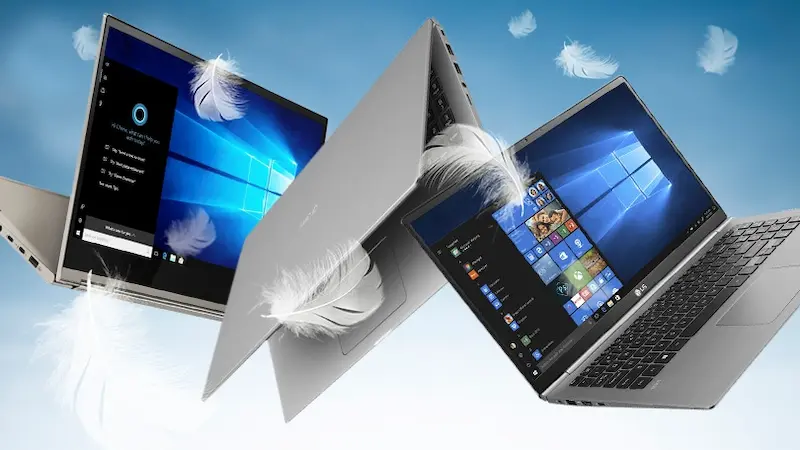
Ultrabooks
Ultrabooks are slim, powerful, and stylish.
- Excellent performance
- Long battery life
- Premium design
Best for professionals and corporate users.
Business Laptops
Designed specifically for work:
- Strong security features
- Excellent keyboards
- Reliable performance
Ideal for office employees and managers.
2-in-1 Convertible Laptops
These laptops can fold or detach:
- Touchscreen support
- Tablet + laptop mode
Great for presentations, note-taking, and creative work.
You may also like to read this:
Gaming PC Setup Guide: From Components To Full Assembly
Custom Gaming PC Tips: Build Your Perfect Gaming Rig
Latest Gaming PC Trends 2025: Hardware, AI & VR Insights
Best Laptops For Students 2026 – Expert Recommendations
Laptop Buying Guide Simple: Easy Tips To Choose Right PC
Who Should Buy Lightweight Laptops for Work?
Lightweight laptops for work are perfect for:
- Remote workers and freelancers
- Office professionals
- Students doing internships or jobs
- Digital nomads and travelers
- Writers, marketers, and consultants
If portability and productivity matter to you, this category is ideal.
Common Mistakes to Avoid When Buying
Many people make these mistakes:
- Choosing the lightest laptop but ignoring performance
- Buying only 4GB RAM (not enough for work today)
- Ignoring battery life
- Forgetting to check ports like USB and HDMI
A balanced laptop always performs better in the long run.
Tips to Make the Right Choice
- Think about how you work daily
- Choose performance first, then design
- Buy extra RAM if possible
- Read reviews before purchasing
A smart choice saves money and frustration later.
Final Thoughts
Investing in lightweight laptops for work is one of the best decisions you can make for productivity and comfort. The right laptop should feel like a helpful work partner—easy to carry, fast to use, and reliable every day.
FAQs: Lightweight Laptops for Work
1. What are lightweight laptops for work?
Lightweight laptops for work are portable laptops designed for professional tasks like office work, remote jobs, meetings, emails, browsing, and documentation. They usually weigh between 1 kg and 1.8 kg, making them easy to carry and comfortable for daily use.
2. Are lightweight laptops good for office work?
Yes, lightweight laptops are excellent for office work. They easily handle tasks such as Microsoft Office, Google Docs, email management, video calls, and multitasking, especially if they have a modern processor and at least 8GB RAM.
3. How much RAM is enough for lightweight laptops for work?
For smooth performance:
8GB RAM is the minimum for regular work
16GB RAM is ideal for multitasking and long-term use
More RAM helps your laptop run faster when multiple apps are open.
4. Do lightweight laptops have good battery life?
Most lightweight laptops for work are designed to be power-efficient. On average, they offer 8 to 12 hours of battery life, which is perfect for a full workday without frequent charging.
5. Are lightweight laptops durable?
Yes, many lightweight laptops are built using strong materials like aluminum or magnesium alloy. Even though they are slim, they are designed to handle daily work and travel if used carefully.