
Looking for a laptop that fits your budget without sacrificing performance? You’ve come to the right place! Finding affordable laptops under 500 is easier than you think, and with the right guidance, you can get a laptop that handles your daily tasks, school work, or remote jobs efficiently.
In this guide, we’ll walk you through the best options, what to look for, and how to make the most of your budget.
Why Choose an Affordable Laptop Under 500?
Budget laptops are no longer just “basic machines.” Modern devices under $500 can handle:
- Web browsing and streaming – Watch videos, attend online classes, or browse social media smoothly.
- Office work and productivity – Perfect for Word, Excel, PowerPoint, and Google Docs.
- Remote work and video calls – Most budget laptops have webcams, microphones, and decent performance for Zoom or Google Meet.
- Light gaming and entertainment – Play casual games or older titles without lag.
Choosing an affordable laptop is ideal if you don’t need the latest high-end specs. Plus, these laptops are lightweight, portable, and easy on your wallet—making them perfect for students and professionals alike.
Best Affordable Laptops Under 500
Here’s a detailed breakdown of some top-performing options under $500:
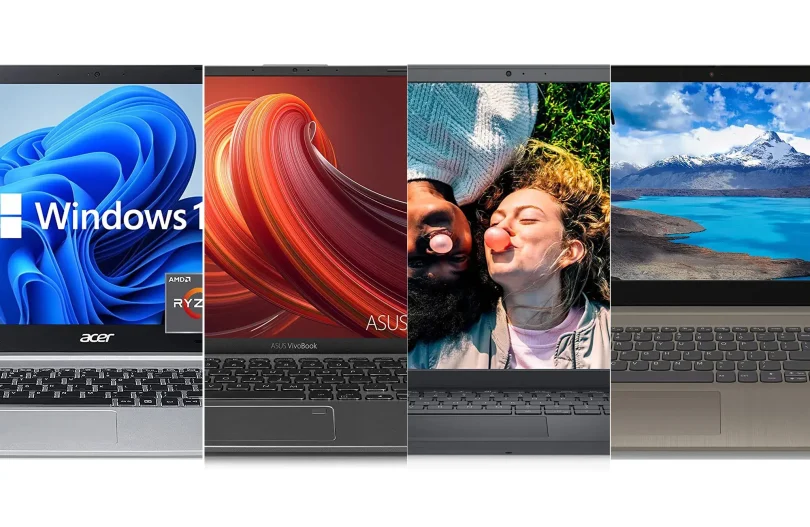
1. Acer Aspire 5
- Price: Around $450
- Processor: Intel Core i3 (11th Gen)
- RAM & Storage: 8GB RAM, 256GB SSD
- Display: 15.6” Full HD IPS
- Battery Life: Up to 8 hours
Why it’s great: Acer Aspire 5 offers a solid balance of performance and design. The Full HD display is bright and clear, perfect for studying or streaming videos. Its slim build makes it portable without feeling cheap.
2. Lenovo IdeaPad 3
- Price: Around $480
- Processor: AMD Ryzen 3
- RAM & Storage: 8GB RAM, 256GB SSD
- Display: 15.6” Full HD
- Battery Life: Up to 7.5 hours
Why it’s great: Lenovo IdeaPad 3 is known for durability and performance. The Ryzen 3 processor handles multitasking efficiently, making it ideal for students or light office work.
3. HP 14 Laptop
- Price: Around $400
- Processor: Intel Pentium Silver
- RAM & Storage: 4GB RAM, 128GB SSD
- Display: 14” HD
- Battery Life: Up to 7 hours
Why it’s great: HP 14 is perfect for everyday tasks like web browsing, email, or streaming. Its compact design and lightweight body make it easy to carry around.
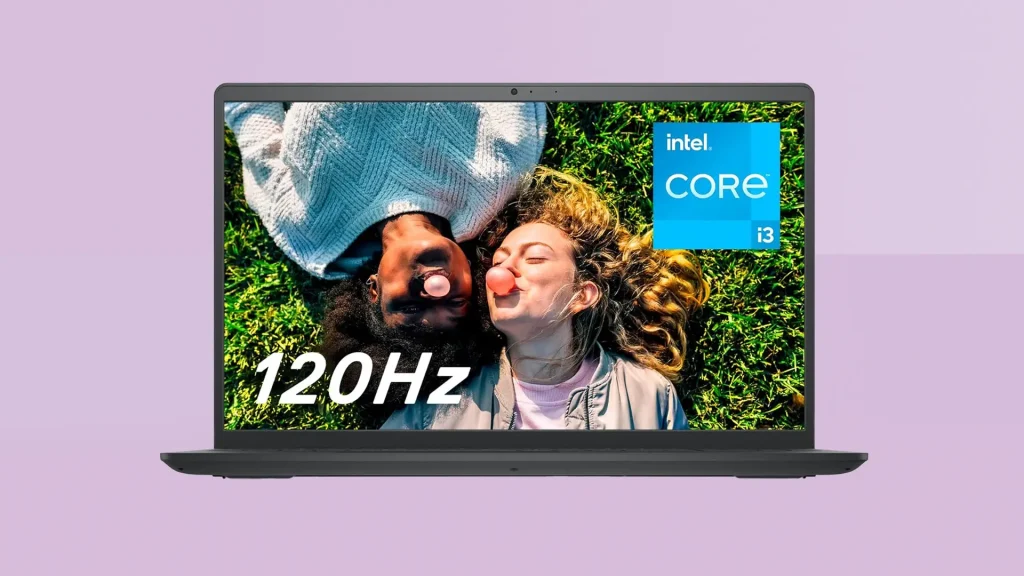
4. Dell Inspiron 15 3000
- Price: Around $490
- Processor: Intel Core i3
- RAM & Storage: 8GB RAM, 256GB SSD
- Display: 15.6” HD
- Battery Life: Up to 6.5 hours
Why it’s great: Known for durability and reliability, this Dell laptop offers a large display and solid performance, making it a great choice for productivity tasks.
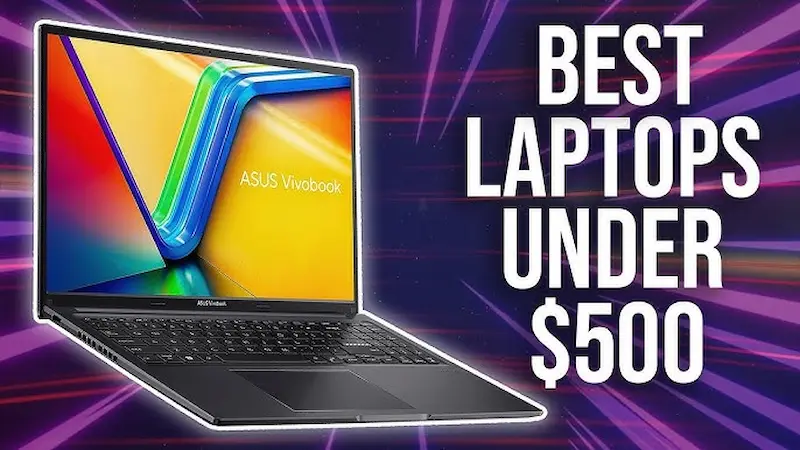
5. ASUS VivoBook 15
- Price: Around $500
- Processor: AMD Ryzen 3
- RAM & Storage: 8GB RAM, 256GB SSD
- Display: 15.6” Full HD
- Battery Life: Up to 8 hours
Why it’s great: ASUS VivoBook 15 combines style, performance, and portability. Its slim profile and lightweight design are perfect for students and professionals on the go.
Key Features to Consider in Laptops Under 500
Even with a budget under $500, you want a laptop that lasts and works efficiently. Here’s what to prioritize:
- Processor: Intel Core i3 or AMD Ryzen 3 are ideal for performance and multitasking. Avoid older Intel Pentium or Celeron for heavy tasks.
- RAM: Minimum 8GB is recommended for smooth multitasking. 4GB is okay for light browsing and documents.
- Storage: SSD storage (128–256GB) offers faster boot times and better reliability than HDDs.
- Display: Full HD (1920×1080) is recommended for clear visuals, especially for students or professionals working long hours.
- Battery Life: Aim for 6+ hours to avoid frequent charging.
- Build Quality: Look for laptops with solid construction; metal or reinforced plastic is preferred over cheap plastic.
- Weight and Portability: For frequent travel or carrying to school, a lightweight laptop is a plus.
You may also like to read this:
Custom Gaming PC Tips: Build Your Perfect Gaming Rig
Latest Gaming PC Trends 2025: Hardware, AI & VR Insights
Best Laptops For Students 2026 – Expert Recommendations
Laptop Buying Guide Simple: Easy Tips To Choose Right PC
Best Lightweight Laptops For Work With Long Battery Life
Tips to Get the Best Affordable Laptop Deal
- Shop online: Amazon, Best Buy, Walmart, and Newegg often have discounts on budget laptops.
- Consider refurbished laptops: Certified refurbished laptops can save you 20–40% and often come with a warranty.
- Look for seasonal sales: Black Friday, Back-to-School, and Cyber Monday are perfect times to get laptops under 500.
- Compare specs and reviews: Don’t just pick the cheapest option—read user reviews and check specs to ensure performance.
Pros and Cons of Affordable Laptops
Pros:
- Budget-friendly
- Lightweight and portable
- Adequate for everyday tasks
- Longer battery life than older laptops
Cons:
- Limited gaming and heavy software performance
- Basic build quality
- Lower screen resolution in some models
Conclusion
Buying affordable laptops under 500 is entirely possible without compromising essential features. By choosing a model with a good processor, adequate RAM, SSD storage, and a decent display, you can enjoy smooth performance for work, school, and entertainment.
Brands like Acer, Lenovo, HP, Dell, and ASUS offer excellent options that fit your budget. Take your time, compare specs, and select the laptop that suits your needs perfectly.
FAQs
1. Can I play games on laptops under $500?
You can play light or older games, but modern AAA games will require a higher budget laptop.
2. Are refurbished laptops reliable?
Yes, if purchased from reputable sellers—they are tested and usually include a warranty.
3. How long do affordable laptops last?
With proper care, 3–5 years for everyday tasks is typical.
4. Should I prioritize RAM or processor?
Both are important, but for multitasking, 8GB RAM along with an Intel i3 or Ryzen 3 is recommended.