
If you’ve ever dreamed of creating your own high-performance gaming rig, this gaming PC setup guide is your ultimate companion. Building a gaming PC may seem intimidating at first, especially with all the hardware options, technical terms, and assembly steps. But don’t worry—we’ll break everything down into simple, manageable steps.
By the end of this guide, you’ll know exactly how to select the right components, assemble them, and optimize your system for the best gaming performance.
1. Understand Your Gaming Needs
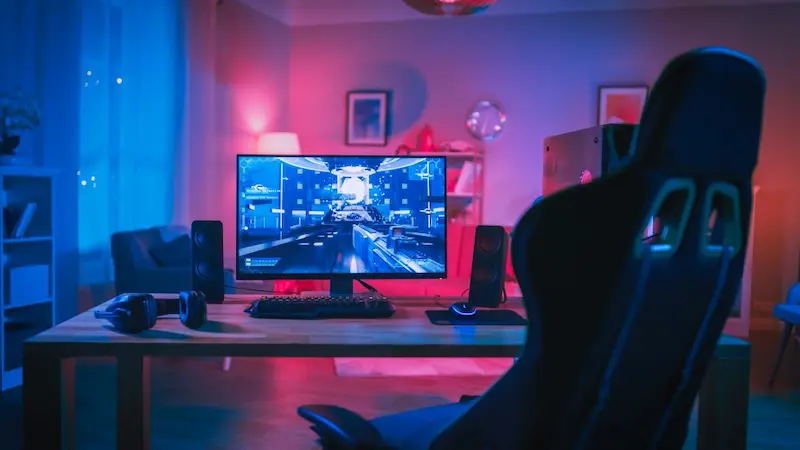
Before you even buy a single component, it’s important to define your gaming goals. Your needs will directly influence your hardware choices. Ask yourself:
- What type of games do I play?
- Competitive FPS games like CS:GO or Valorant need high frame rates.
- AAA games like Cyberpunk 2077 or Elden Ring require high graphics settings and powerful GPUs.
- Indie or retro games can run on mid-range or even budget hardware.
- Competitive FPS games like CS:GO or Valorant need high frame rates.
- Do I want to stream or record gameplay?
Streaming requires more CPU and RAM to handle encoding while running the game smoothly. - What is my budget?
Gaming PCs can range from budget-friendly setups under $800 to high-end rigs exceeding $3000. Knowing your budget helps narrow down component choices.
2. Choose Your Components
Your gaming PC’s performance depends on the quality and compatibility of its components. Let’s go through the essentials:
a) CPU (Processor)
The CPU is the brain of your system, handling calculations, AI, and game logic. Choose based on your gaming type:
- Intel: Core i5 or i7 (13th Gen) are excellent for gaming. Core i9 is for high-end builds.
- AMD: Ryzen 5 or 7 offers great value for gaming. Ryzen 9 is ideal for streaming and multitasking.
Tip: For most gamers, a mid-range CPU is enough. Don’t overspend unless you plan to stream or edit videos.
b) GPU (Graphics Card)
The GPU is the most crucial part of a gaming PC:
- NVIDIA: RTX 3060, 3070, 4080, or higher for ray tracing and high FPS.
- AMD: Radeon RX 6600, 6700 XT, or 7900 series for competitive and AAA gaming.
Tip: Match the GPU with your monitor resolution and refresh rate. 1080p gaming can run well on mid-range GPUs, but 1440p or 4K requires high-end cards.
c) RAM (Memory)
- Minimum: 16GB DDR4 or DDR5 for modern games.
- Recommended: 32GB if you multitask or stream.
Tip: Faster RAM (higher MHz) can slightly improve FPS in certain games.
d) Storage
- SSD (Solid State Drive): 500GB–1TB for fast boot times and game loading. NVMe SSDs are faster than SATA SSDs.
- HDD (Hard Disk Drive): Optional 1TB+ for bulk storage of games, media, and files.
Tip: Install your OS and frequently played games on the SSD for maximum speed.
e) Motherboard
The motherboard connects all components:
- Choose one compatible with your CPU (Intel vs AMD).
- Look for features like PCIe 4.0/5.0 support, Wi-Fi, multiple USB ports, and upgrade potential.
f) Power Supply (PSU)
- Reliable PSU is critical—cheap PSUs can damage your PC.
- Calculate wattage using online PSU calculators; usually, 650W–850W covers most builds.
- Choose 80+ Bronze, Gold, or Platinum for efficiency.
g) PC Case
- Case should have enough space for GPU, cooling, and cable management.
- Good airflow prevents overheating.
- Consider aesthetics (RGB lighting, tempered glass panels) if that matters to you.
3. Assemble Your Gaming PC
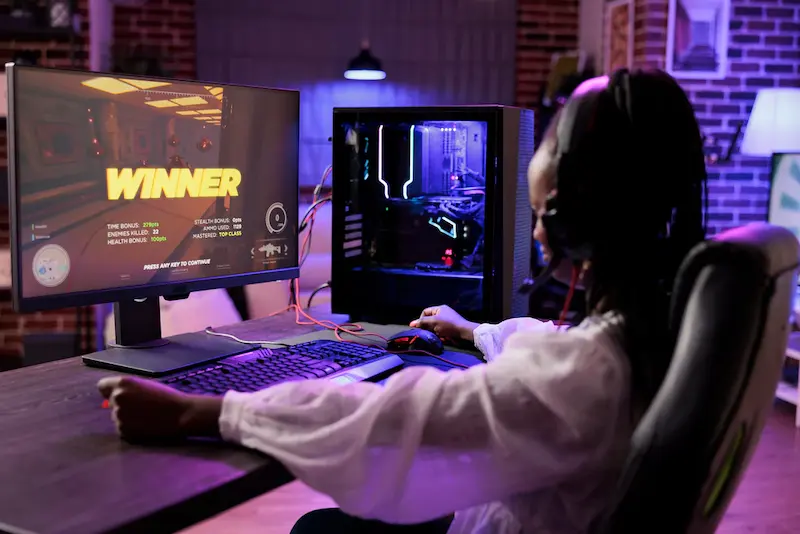
Now comes the fun part—putting your system together. Take your time and follow these steps:
- Prepare your workspace: A clean, flat, static-free surface is ideal. Use an anti-static wrist strap if possible.
- Install CPU and RAM on the motherboard: Carefully place the CPU in the socket, apply thermal paste if needed, and slot in RAM sticks.
- Mount the motherboard into the case: Align with standoffs and screw it in securely.
- Install the GPU: Insert it into the PCIe slot and secure it. Connect power cables.
- Attach storage drives: Mount SSDs/HDDs and connect SATA/NVMe cables.
- Connect the PSU: Power all components and double-check connections.
- Test the system: Power it on to ensure it boots before final cable management.
Tip: Watch detailed assembly videos for visual guidance—they make the process much easier.
4. Connect Your Peripherals
A gaming PC setup isn’t complete without quality peripherals:
- Monitor: High refresh rates (144Hz+) and low response times improve gameplay.
- Keyboard & Mouse: Mechanical keyboards and high-DPI mice enhance performance.
- Audio: A good headset or speakers immerse you in the game world.
- Extras: Game controllers, webcam, and RGB lighting can add fun and functionality.
You may also like to read this:
Best Gaming PC For Beginners | Complete Buying Guide
Affordable Gaming PC Builds: Best Budget Setups For 2025
High Performance Gaming PC – Ultimate 2026 Guide
Custom Gaming PC Tips: Build Your Perfect Gaming Rig
5. Install Operating System and Drivers
Your PC is assembled, but it needs software to run:
- Install Windows 11 or your preferred OS via USB.
- Update GPU drivers from NVIDIA or AMD websites.
- Update motherboard chipset drivers for stability.
- Install essential software like antivirus, Steam, or game launchers.
Tip: Keep drivers updated regularly for the best performance.
6. Optimize Performance
- In-game settings: Adjust graphics for balance between performance and visuals.
- Enable features: NVIDIA DLSS or AMD FSR can boost FPS.
- Overclocking: Advanced users can overclock CPU/GPU carefully to gain extra performance.
- Maintain airflow: Ensure fans are clear of dust, and cable management improves cooling.
7. Maintenance Tips
Long-term care keeps your PC running efficiently:
- Dust your PC every month to avoid overheating.
- Monitor CPU/GPU temperatures using software like HWMonitor or MSI Afterburner.
- Update software, drivers, and Windows regularly.
- Backup game saves and important data to avoid loss.
8. Budget vs High-End Gaming PC Example
| Component | Budget Build | High-End Build |
| CPU | Ryzen 5 5600X | Intel Core i9-13900K |
| GPU | RTX 3050 | RTX 4090 |
| RAM | 16GB DDR4 | 32GB DDR5 |
| Storage | 500GB NVMe SSD + 1TB HDD | 1TB NVMe SSD + 2TB SSD |
| Motherboard | B550 chipset | Z790 chipset |
| PSU | 650W 80+ Bronze | 850W 80+ Gold |
| Case | Mid-tower with basic airflow | Full tower with RGB & airflow |
Conclusion
Building a gaming PC can seem overwhelming, but with the right guidance, it’s both achievable and rewarding. This gaming PC setup guide has covered everything—from selecting the perfect components to assembling, optimizing, and maintaining your rig.
Whether you choose a budget-friendly system or a high-end powerhouse, your gaming PC can be tailored to your style and performance needs. Take your time, enjoy the building process, and prepare to experience games like never before.
FAQs
1. How much should I budget for a gaming PC?
Budget builds start around $800–$1000. High-end builds can exceed $3000.
2. Can I upgrade parts later?
Yes! Gaming PCs are modular, so you can upgrade CPU, GPU, RAM, and storage as needed.
3. Is liquid cooling necessary?
Not always. Air cooling is sufficient for most builds. Liquid cooling helps high-end, overclocked systems stay cool.
4. How long does it take to build a gaming PC?
For beginners, 2–4 hours. Experienced builders can do it in 1–2 hours.
5. What monitor should I pair with my GPU?
Match your monitor’s resolution and refresh rate to your GPU. 1080p 144Hz works with mid-range GPUs, while 4K 144Hz needs high-end cards.